What is a Claude skill?
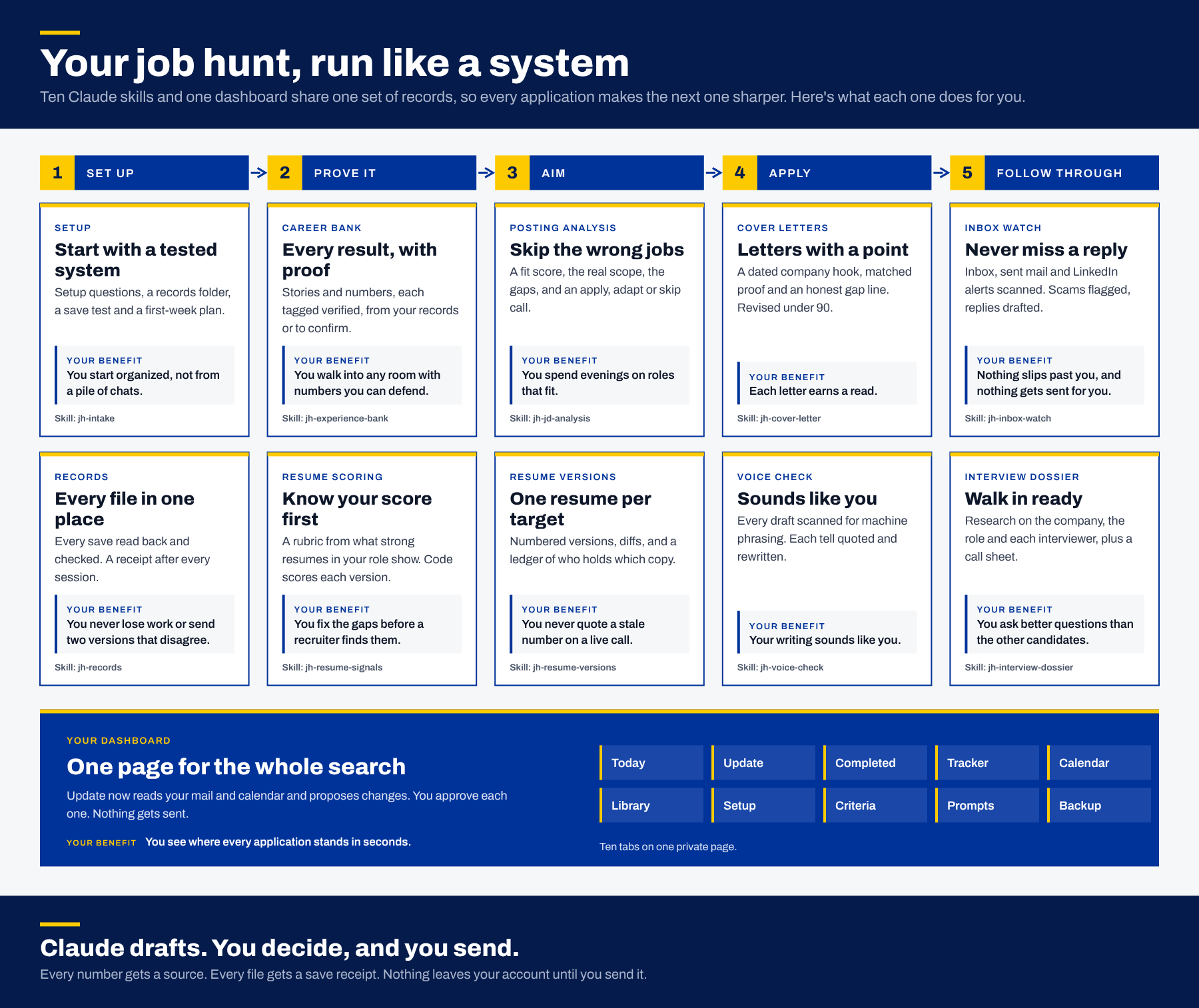
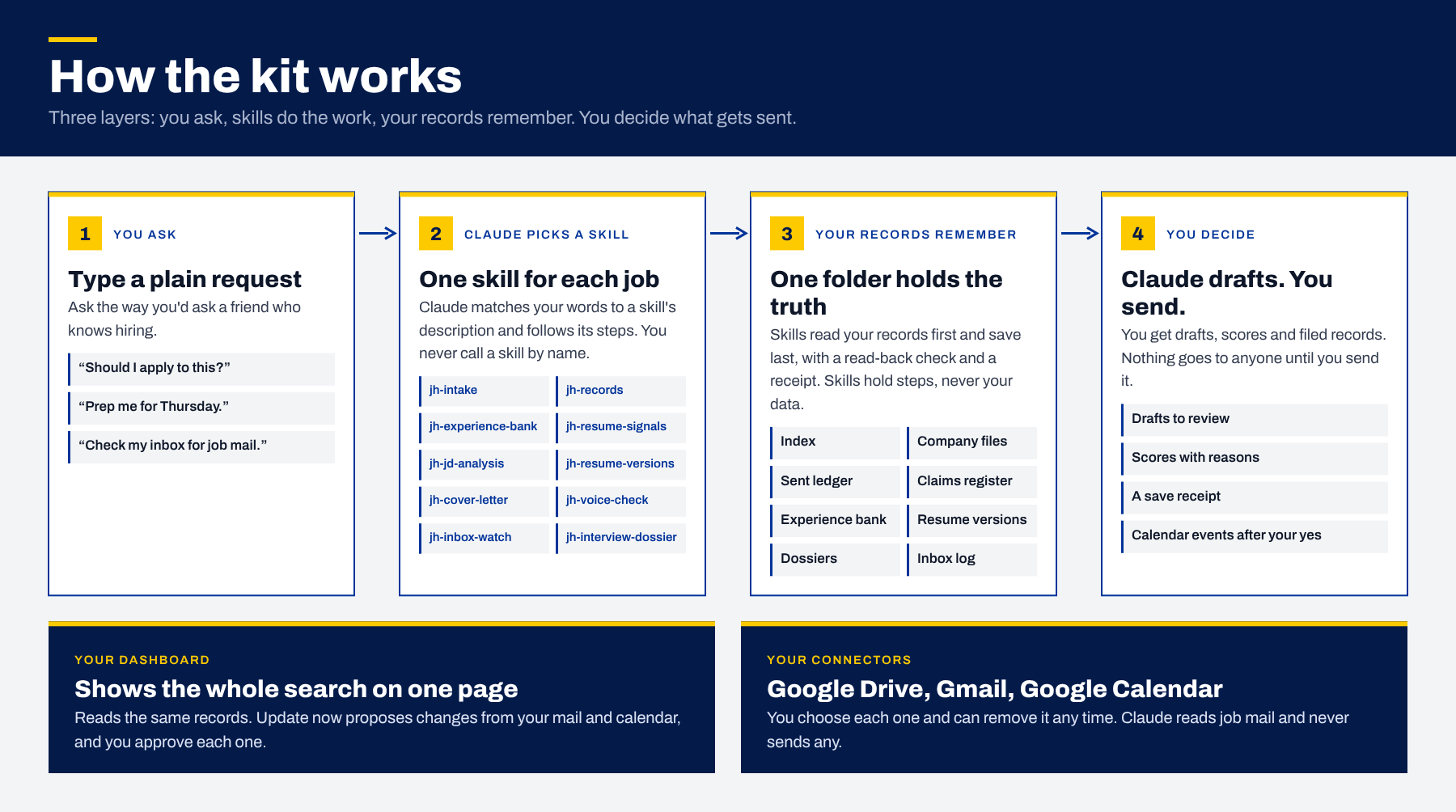
A Claude skill is a saved set of instructions that teaches Claude one kind of task. You upload it once as a zip file. When your request matches the skill's description, Claude loads it and follows its steps, so you ask in plain words instead of calling the skill by name. Skills need code execution and file creation turned on.
Do I need technical skills to use the toolkit?
No. You upload the skill zip files once, turn on one setting and talk to Claude in plain words. A plain-English guide explains every term the first time it appears and walks you through setup, which takes about 20 minutes.
Which Claude plan do I need?
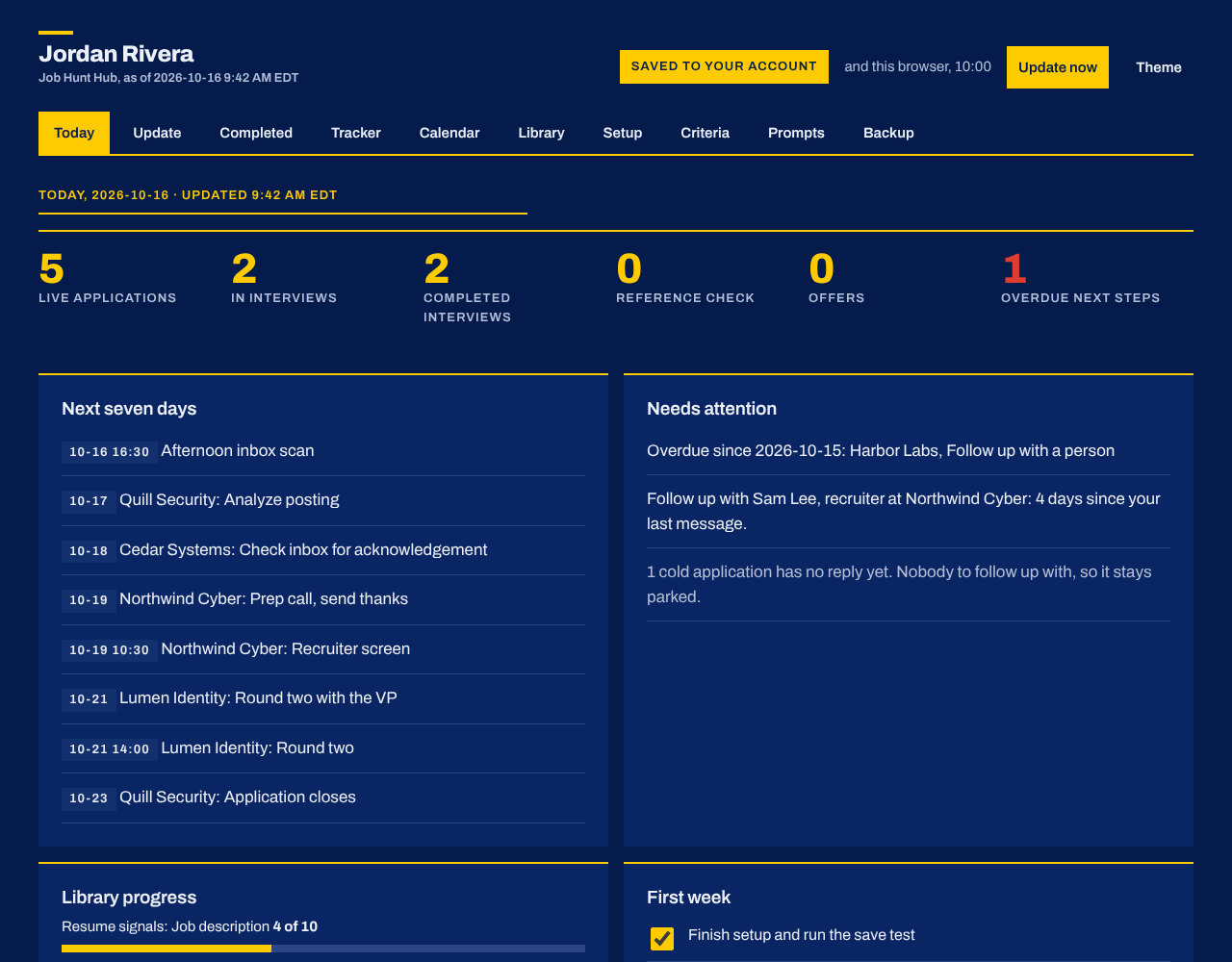
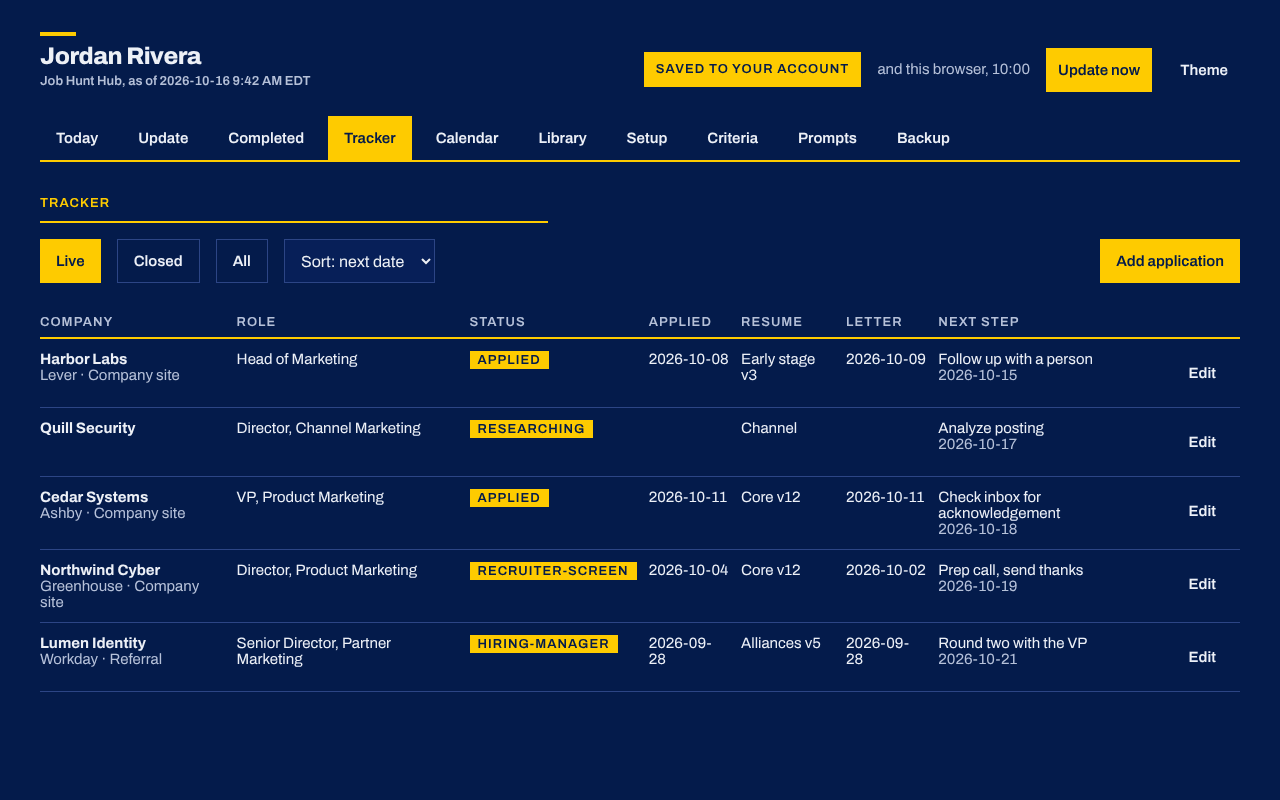
Skills run on any Claude plan, including the free plan, with code execution and file creation turned on under Settings, then Capabilities. Pro or Max adds the rest: your dashboard saves to your Claude account and reads your mail and calendar with Update now, inbox watch can run as a scheduled task, and you get more usage per session. Use a personal account rather than a work account for your search.
How much does the toolkit cost?
Nothing. Request it by email from William Toll at utollwi@gmail.com. Skills run on Claude's free plan, and a Pro or Max plan adds the dashboard's account saving, mail and calendar updates and scheduled inbox scans.
Will Claude send emails or applications for me?
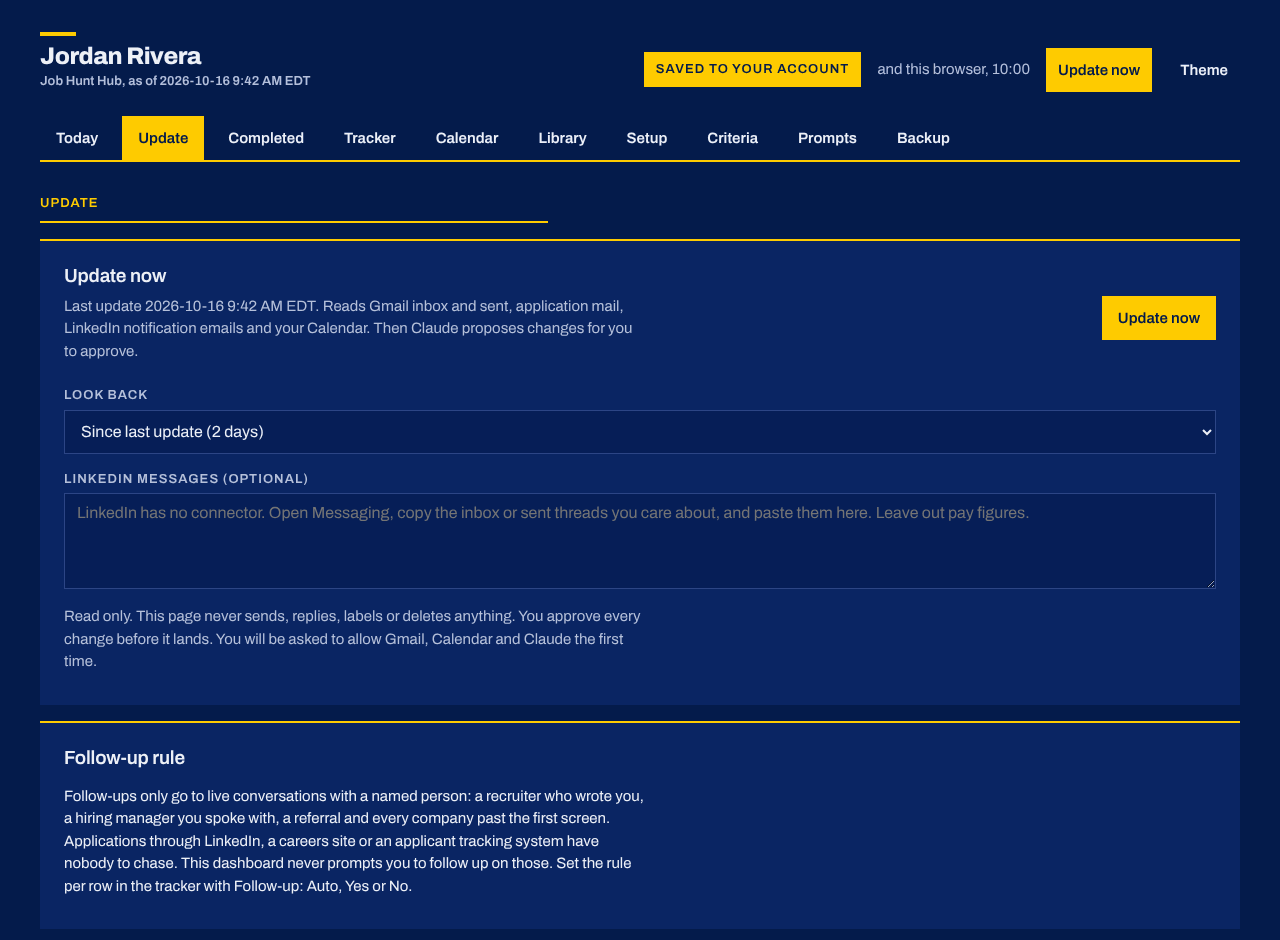
No. Claude drafts and you send. Nothing in the kit sends, replies to or forwards email, submits an application or contacts anyone. Calendar events get created only after you say yes, and the dashboard never sends, replies, labels or deletes anything.
Where do my job search records live?
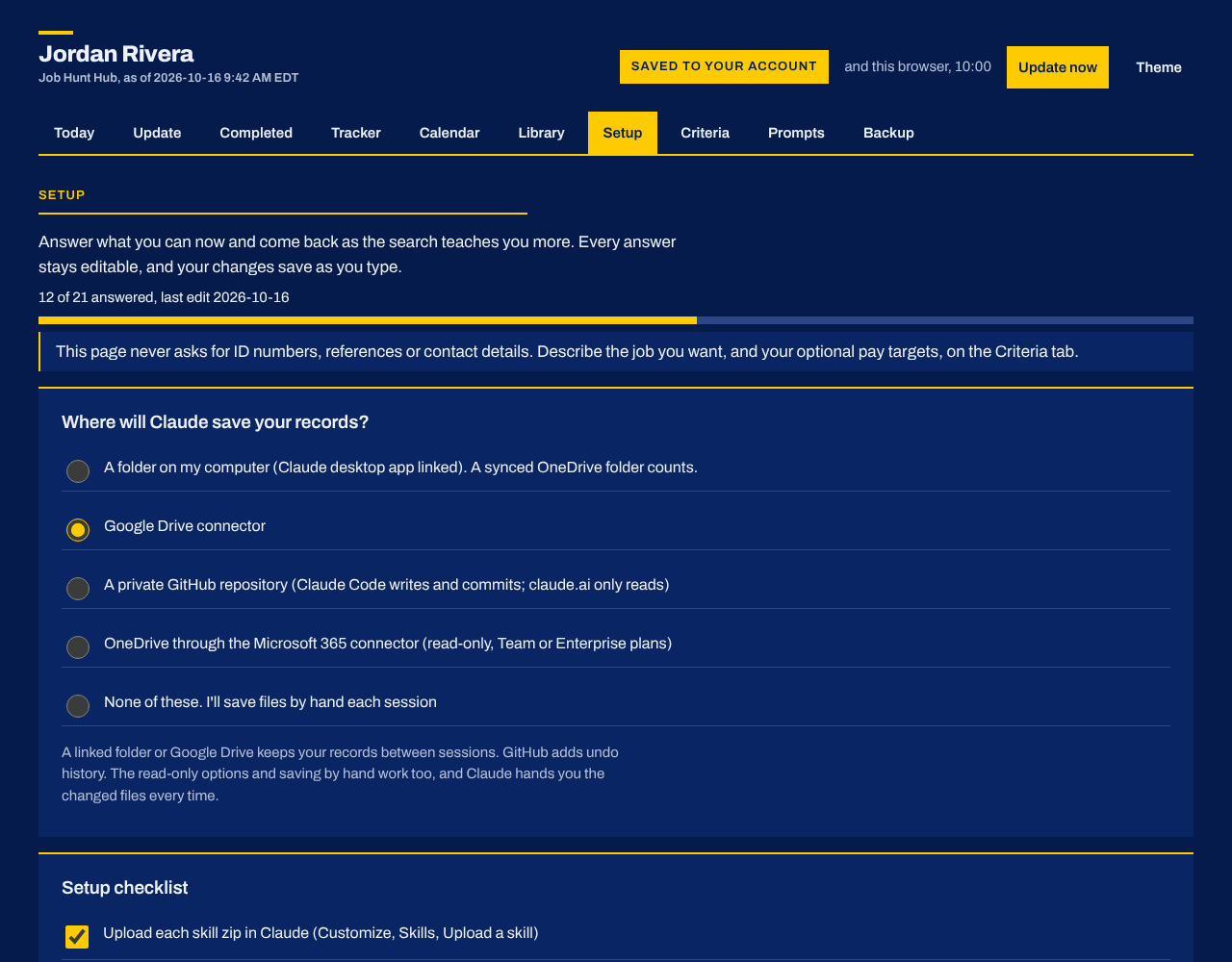
In a records folder you choose: Google Drive, a folder on your computer linked through the Claude desktop app, or a private GitHub repository. Claude runs a save test before trusting it. With no connection, Claude hands you each changed file to save yourself.
Will my resume and cover letters sound like AI?
Not if you do your part, and the kit makes that part smaller. Claude builds a voice profile from things you wrote, scans every draft for machine-sounding phrasing and rewrites each hit. Letters need a dated company hook and sourced numbers. Read each draft aloud and add what only you know. No kit can promise more.
Is it OK to use AI in a job application?
Many employers allow it, some ask you to say so, and a few forbid it. Read each posting and each application form, and if a company asks, answer honestly. You own what you submit, so check every figure before you send it.
Does the toolkit work for any job or industry?
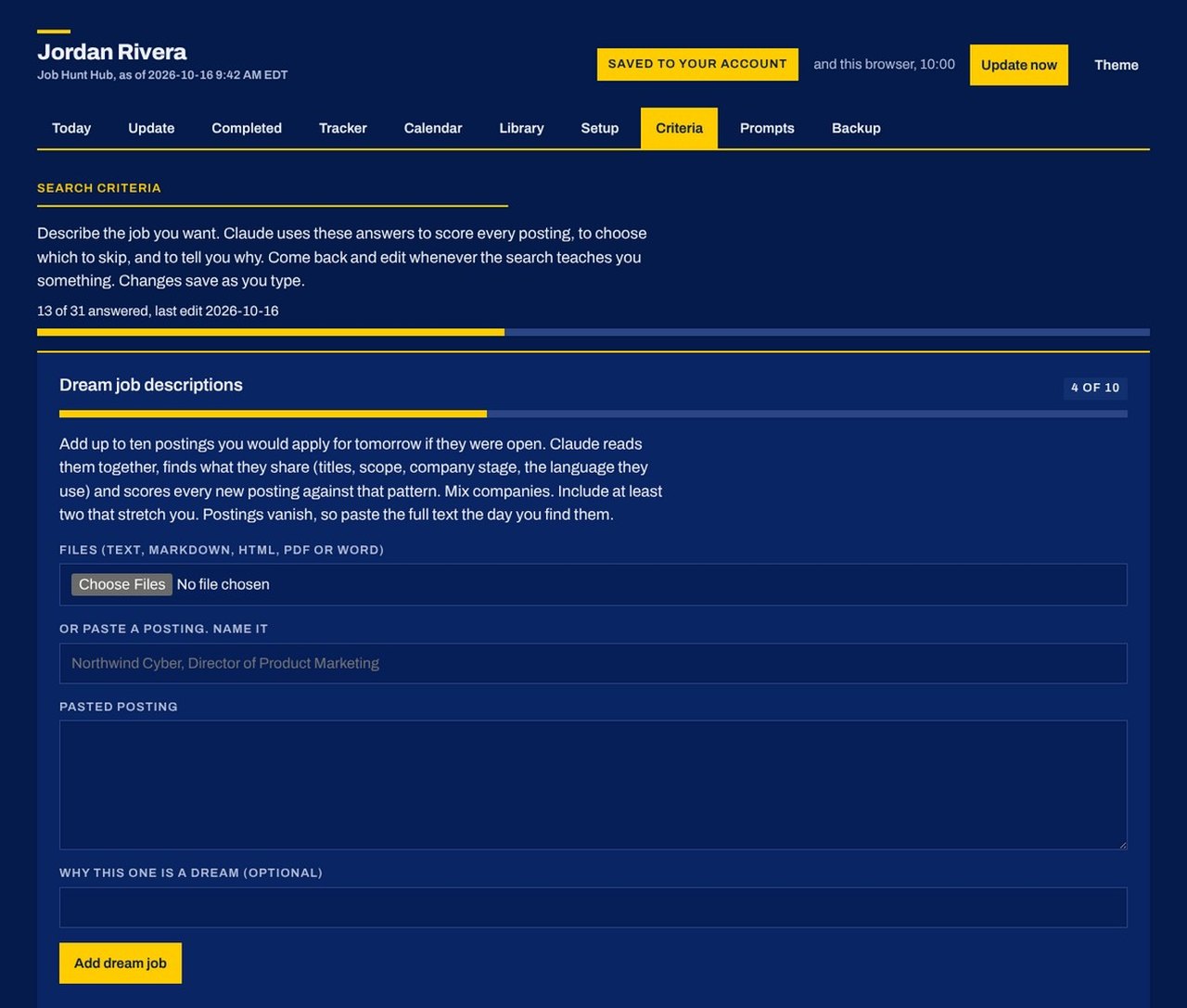
Yes. Each skill is written for a job search in any field. You name the roles you want, and Claude builds a scoring rubric for each one from real postings and strong profiles you collect.
Does it work with Outlook and LinkedIn?
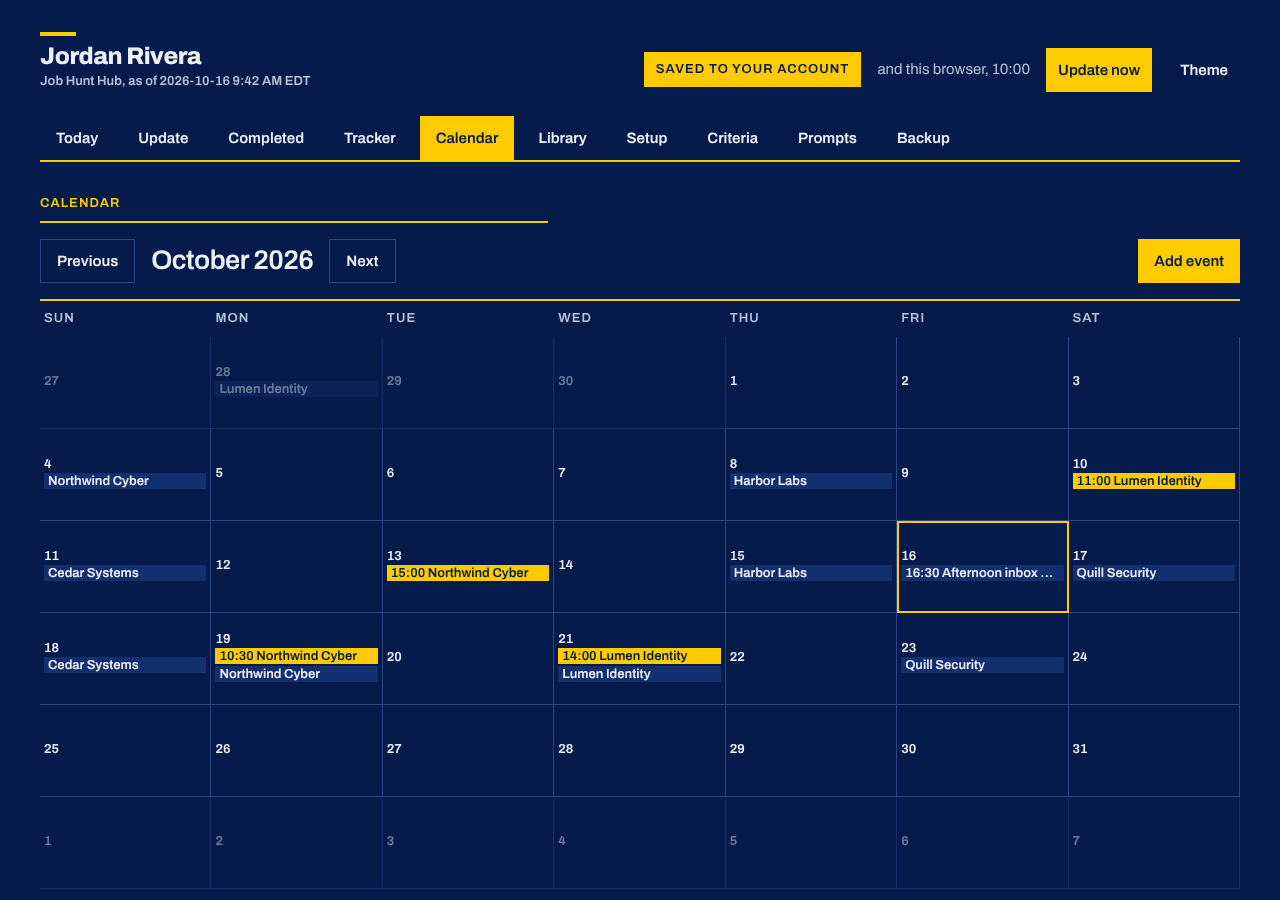
Inbox watch works with Gmail or Outlook. Update now on the dashboard reads Gmail and Google Calendar. LinkedIn has no connector, so Claude works from LinkedIn notification emails, reads your messages through Claude in Chrome with your permission, or uses messages you paste.
What happens to my salary expectations?
Pay targets are optional. If you add them, they stay in your own account and your own exports. Claude uses them only to judge fit and prepare the pay conversation, and never writes them into a resume, letter, dossier or message.